 Ashish
Basix · Sales automation · Web dashboard
Accelerating sales with machine learning
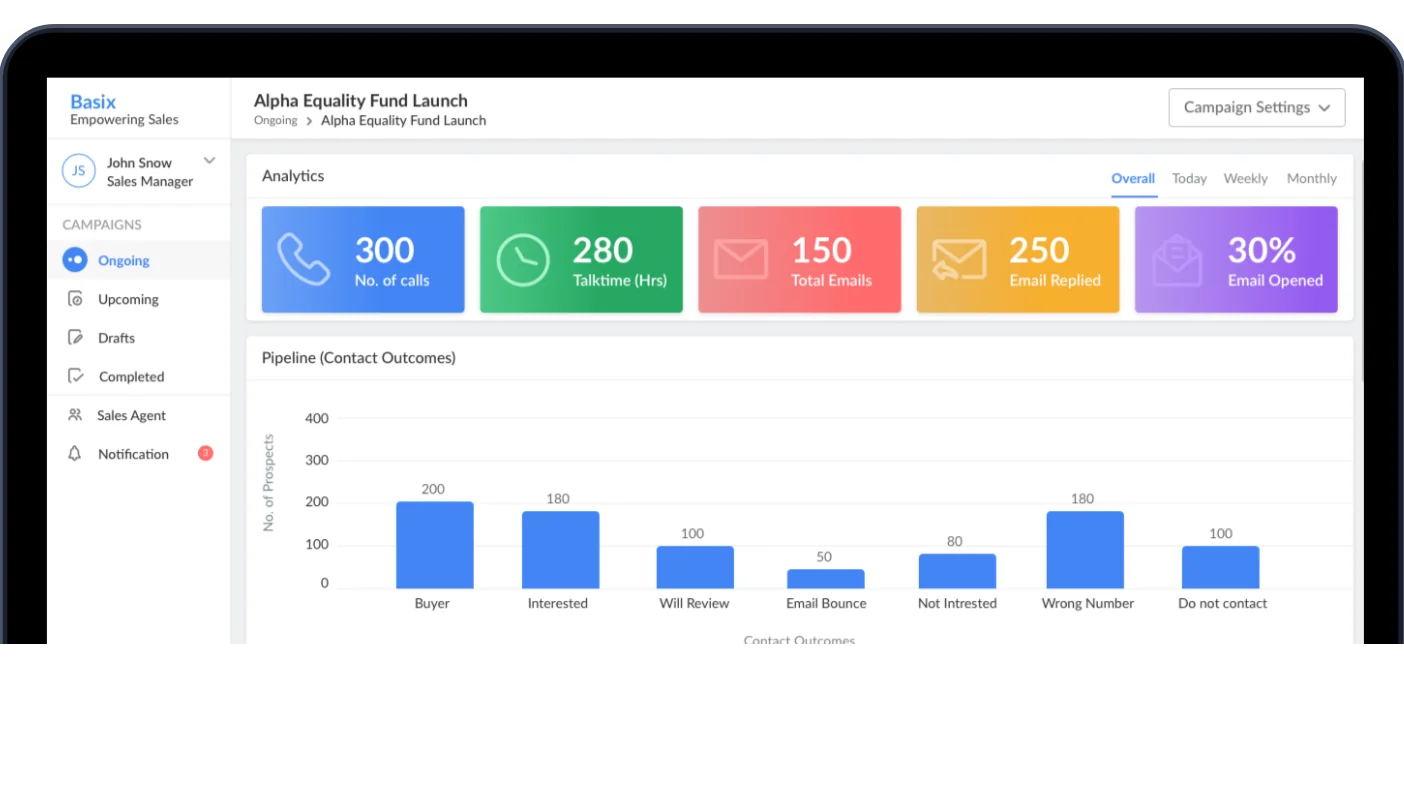
Sales teams juggled several paid tools and still lost time to admin and paperwork. I led the design of Basix, one platform where sales agents, managers and admins run campaigns, call prospects and report results, so agents spend their time selling.
The headlines
Problem
Agents used several tools per campaign, half the process was on paper, and weekly reports took hours.
What we did
10 workplace interviews, two personas, user stories, task and user flows, and 35+ user flows across three roles.
Solution
One platform for campaigns, calling and reporting, refined after design QA and a week of usability testing.
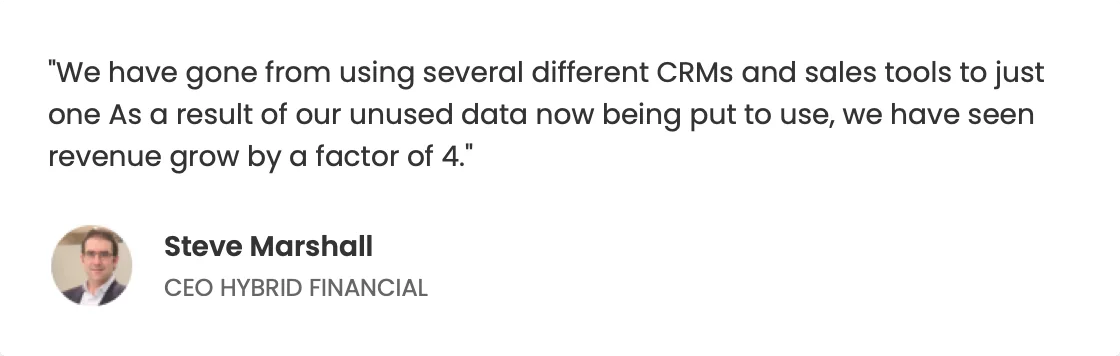
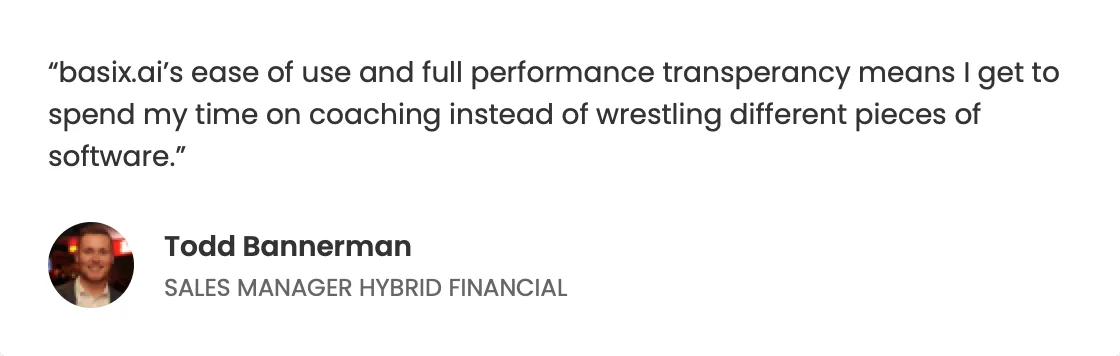
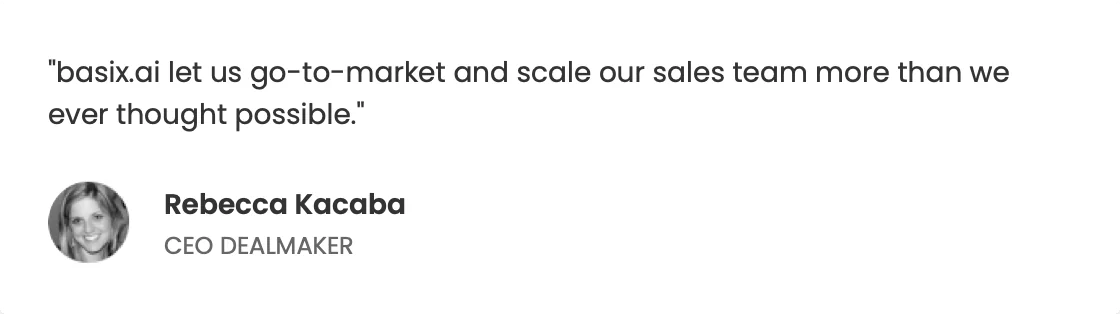
Reported after launch. They describe the product as a whole rather than any single change.
Basix was paying for several platforms without getting the output it needed. Sales people switched between tools all day, and managers and admins lost time to tool adoption and data capture.
Basix is a sales automation platform with four types of user. It gives sales agents, managers and admins one transparent place to collaborate, so teams head in the right direction, spend more time selling and see their results.
Sales representative needs to
- Take action with a prospect, and follow up on earlier contacts
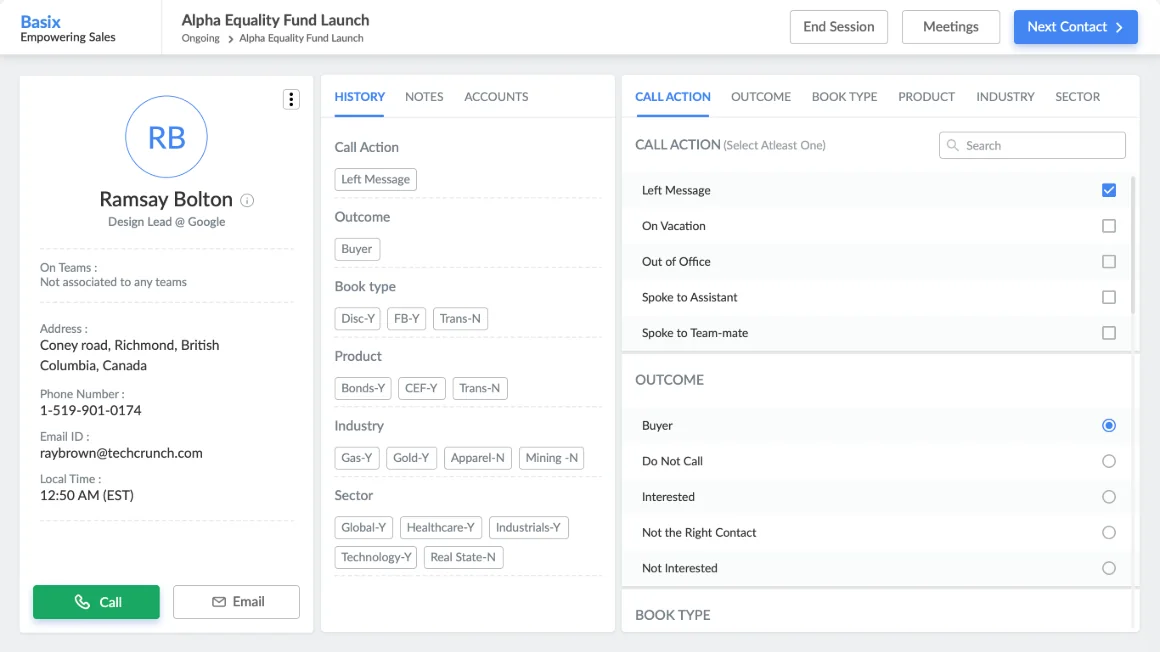
- Understand a prospect quickly, capture the interaction and correct their details
- Make more calls each day
- Generate weekly sales reports quickly
Sales manager needs to
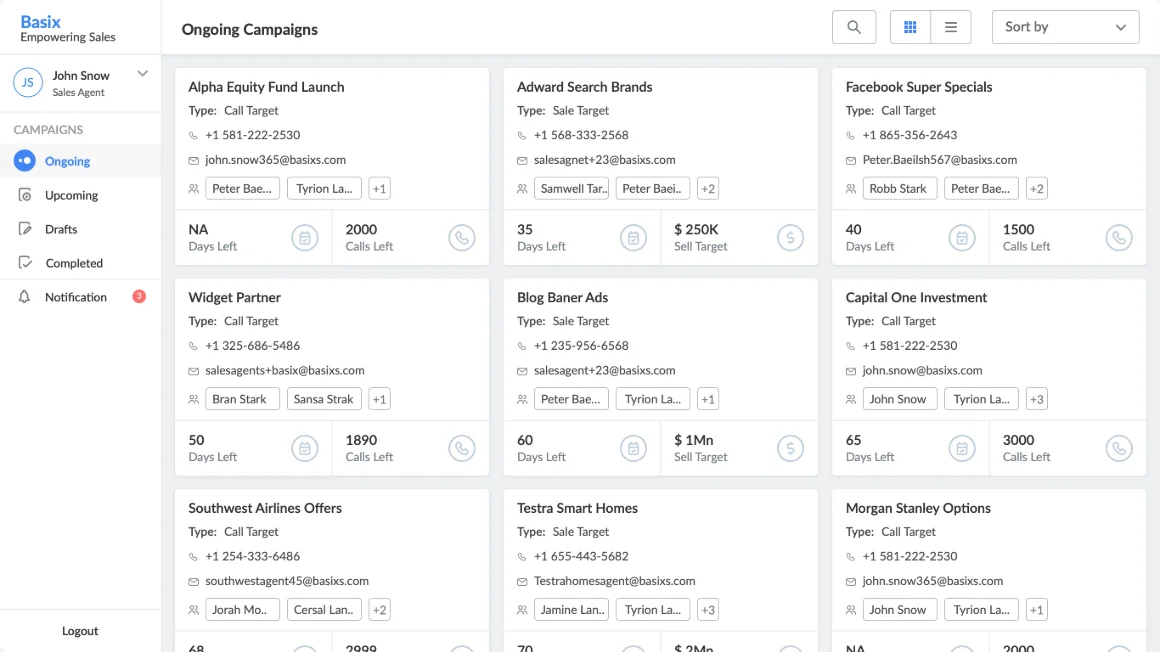
- Add and manage campaigns
- Add new staff and manage existing staff
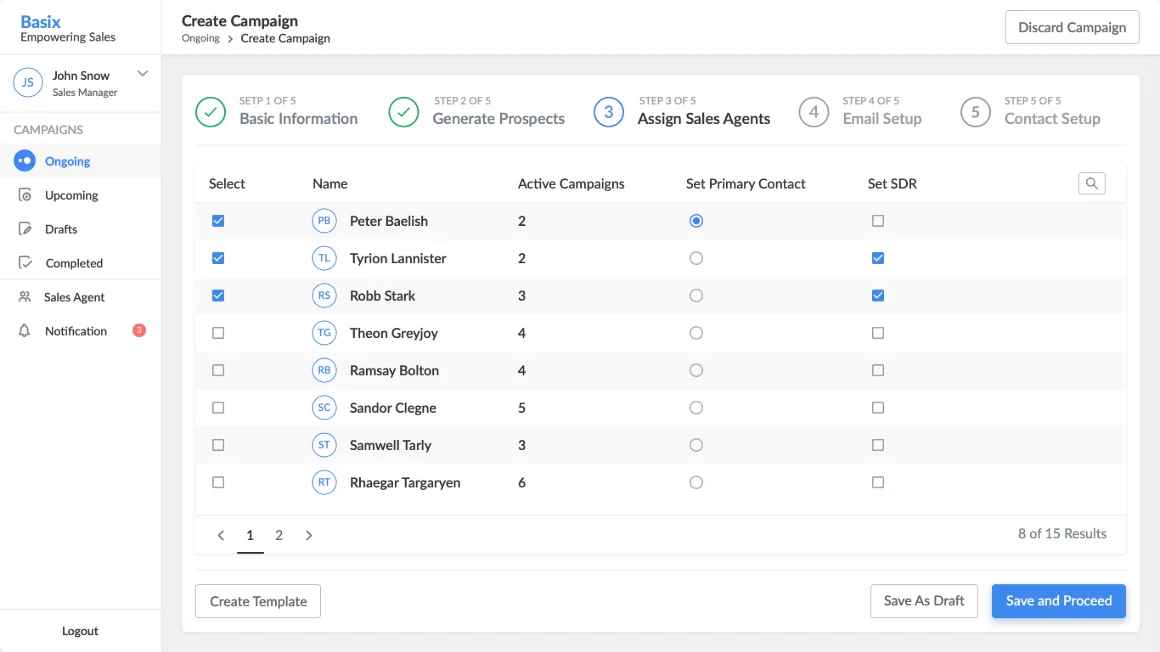
- Assign staff to a campaign
- Generate weekly sales reports quickly
Target users
- WhoSales people aged 22–50 in B2B or intermediated B2C sales channels.
- WhatManage assignments, capture prospect and customer interactions, and guide the next action.
- WhenA daily-use product, open throughout every working day.
- HowAn online tool used mainly on a desktop or laptop.
We watched sales teams at work before we designed
Observing tasks at the workplace showed us their mental models, how they manage prospects, and what drives them.
Workplace interviews
Observed while they performed their real tasks.
Sales agents
The people making the calls.
Sales managers
The people running campaigns and teams.
Major pain points
What the interviews told us
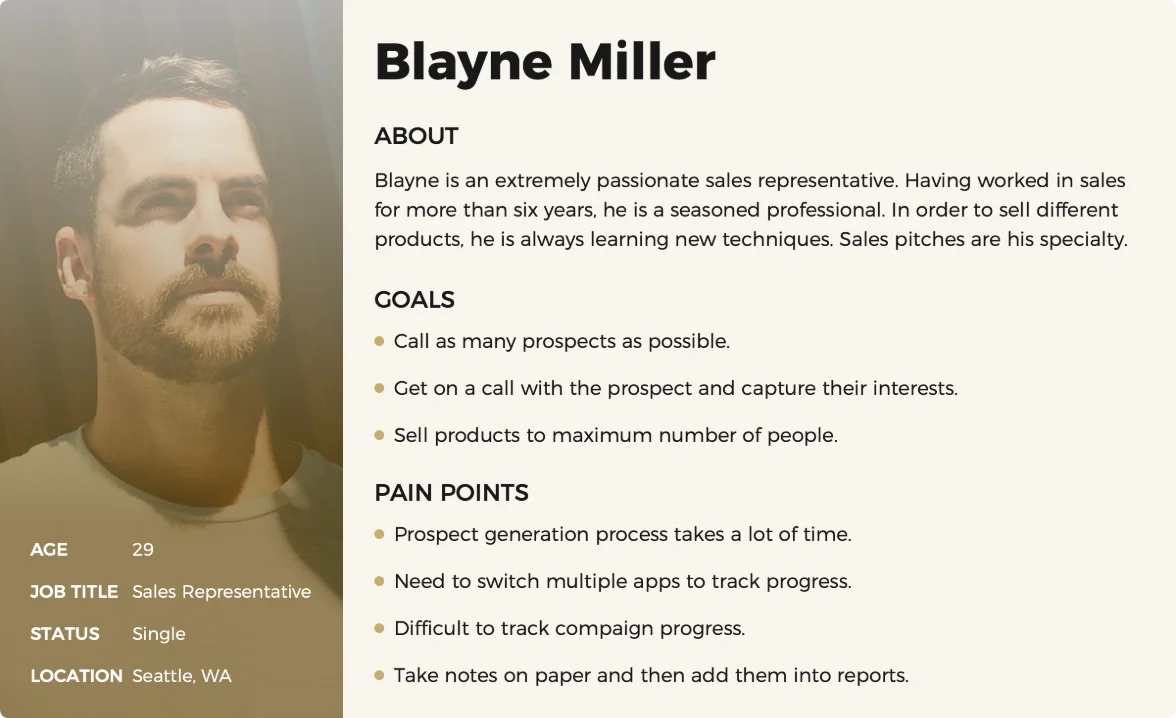
- Half the process is done on paper and half in notes.
- Prospect generation is a time-consuming daily task.
- Switching between campaigns is very difficult.
- The calling screen of the existing tool is confusing.
- They need to track each campaign’s progress.
- They make around 120 calls a day.
- One campaign needs several apps: Tout for email, Bullhorn and the calling tool.
- Every Friday they have to generate a report.
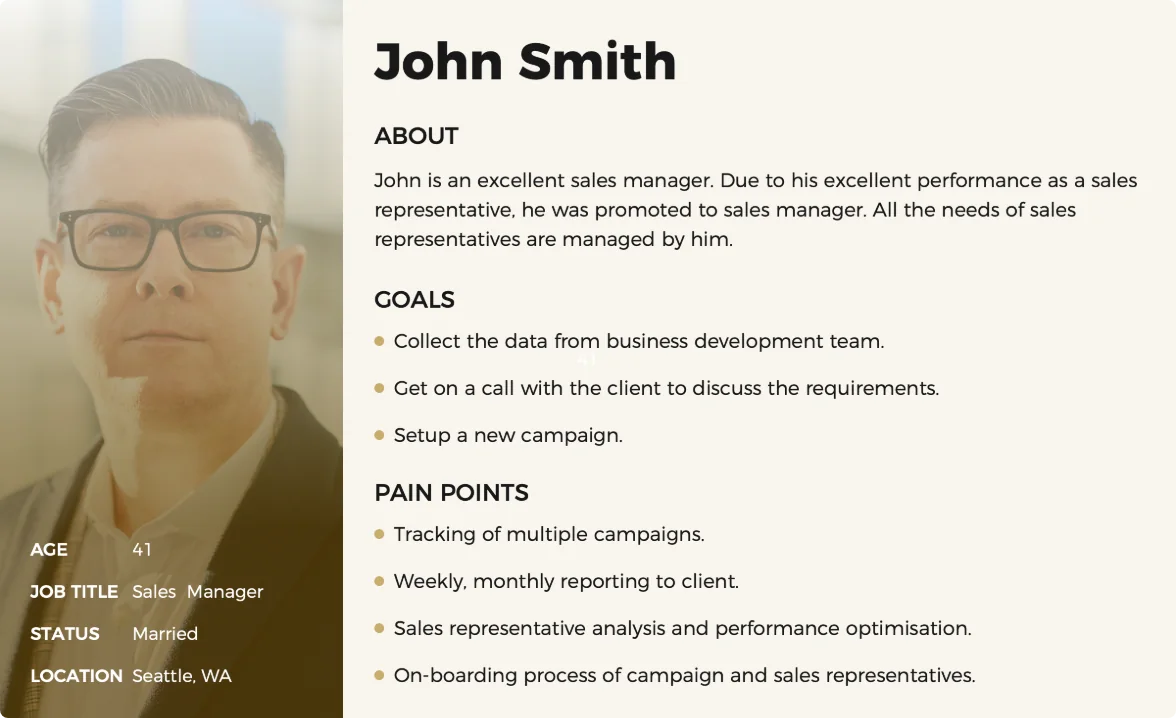
Personas
A sales representative and a sales manager
Built from the research: age group, goals, frustrations and primary tasks.
Competitive analysis
General CRMs versus a focused sales tool
Salesforce and Microsoft Dynamics are general CRM platforms that companies customise. They are large to deploy and often rely on third-party add-ons or custom development.
From stories to tasks, flows and a sitemap
The storyboard lived in Jira, linked to Trello, so we could add, modify and track stories alongside the development team.
Stories for the sales representative
- Initiate my next contact for the campaign I’m working on.
- Activate ConnectAndSell for my contacts.
- See who the prospect is.
- Record the outcome of the call.
- Correct any information about the prospect.
Stories for the sales manager
- View all my active campaign details.
- Edit my active campaigns.
- Close a campaign.
- Delete a campaign created by mistake.
- Add agents to existing campaigns.
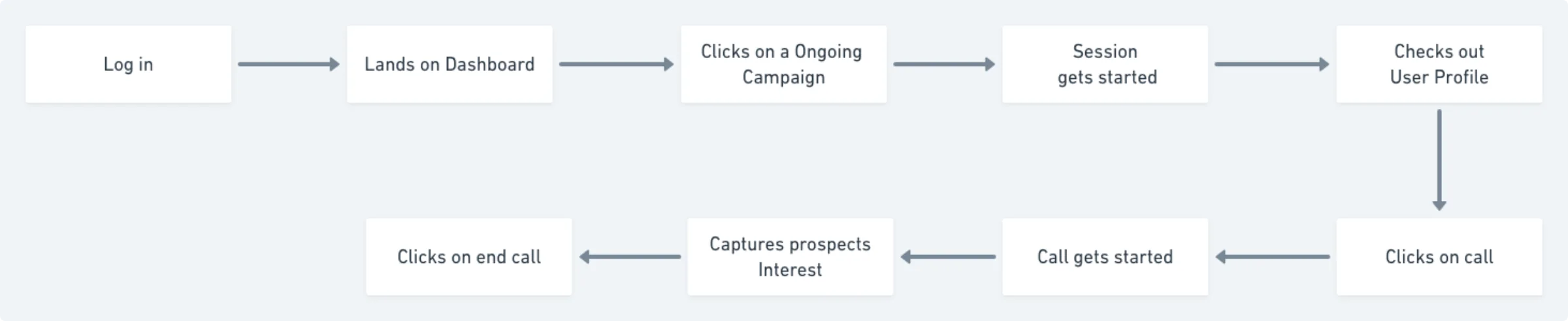
Task analysis
Calling a prospect
We mapped the approximate steps, found where users needed extra support, and removed the steps they didn’t need.
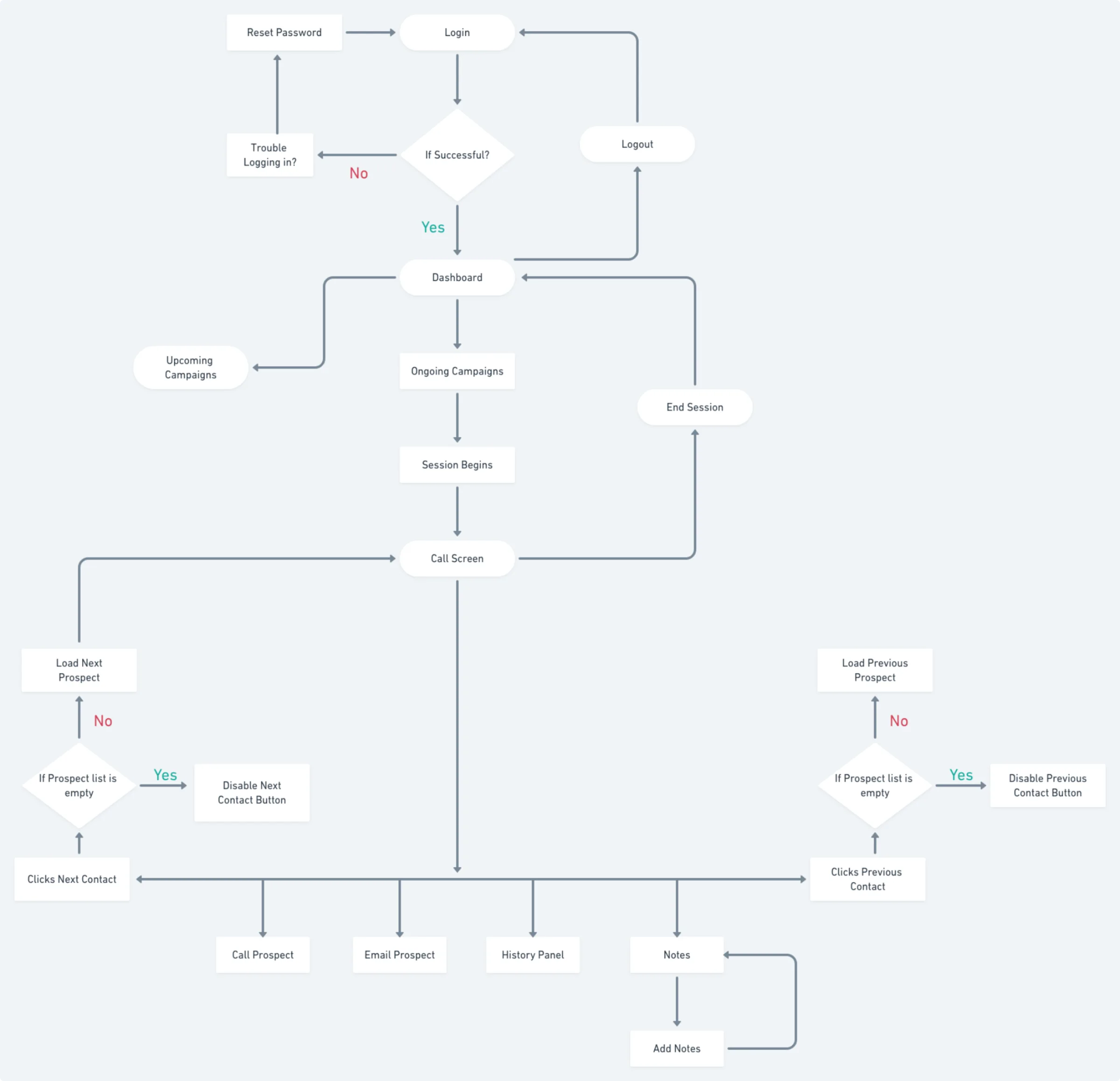
User flow
Calling a prospect, in detail
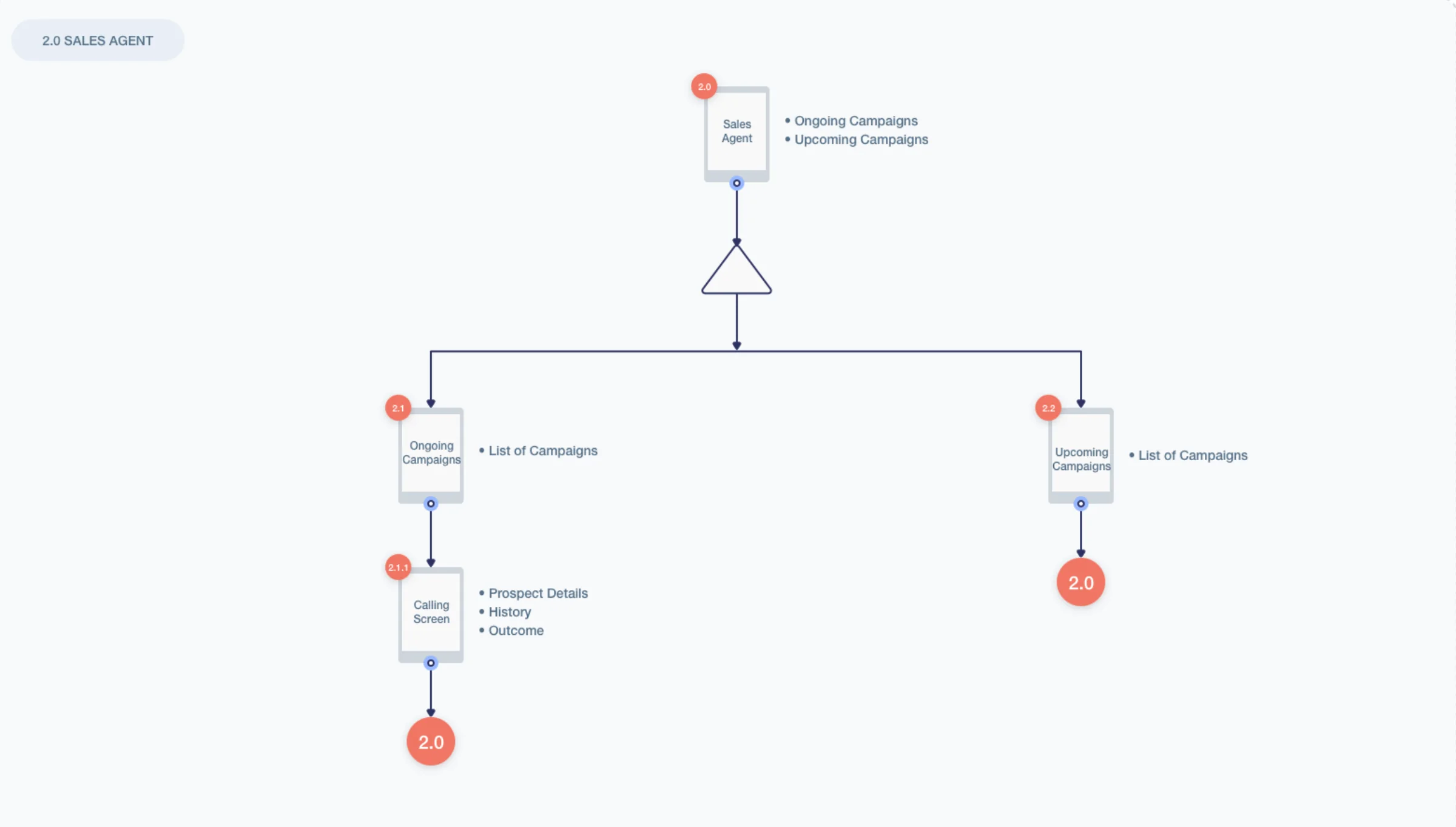
Information architecture
35+ user flows, shown here at a high level
Some details are changed to respect the NDA. This is the sales agent’s sitemap.
One platform, three roles
Low-fidelity wireframes
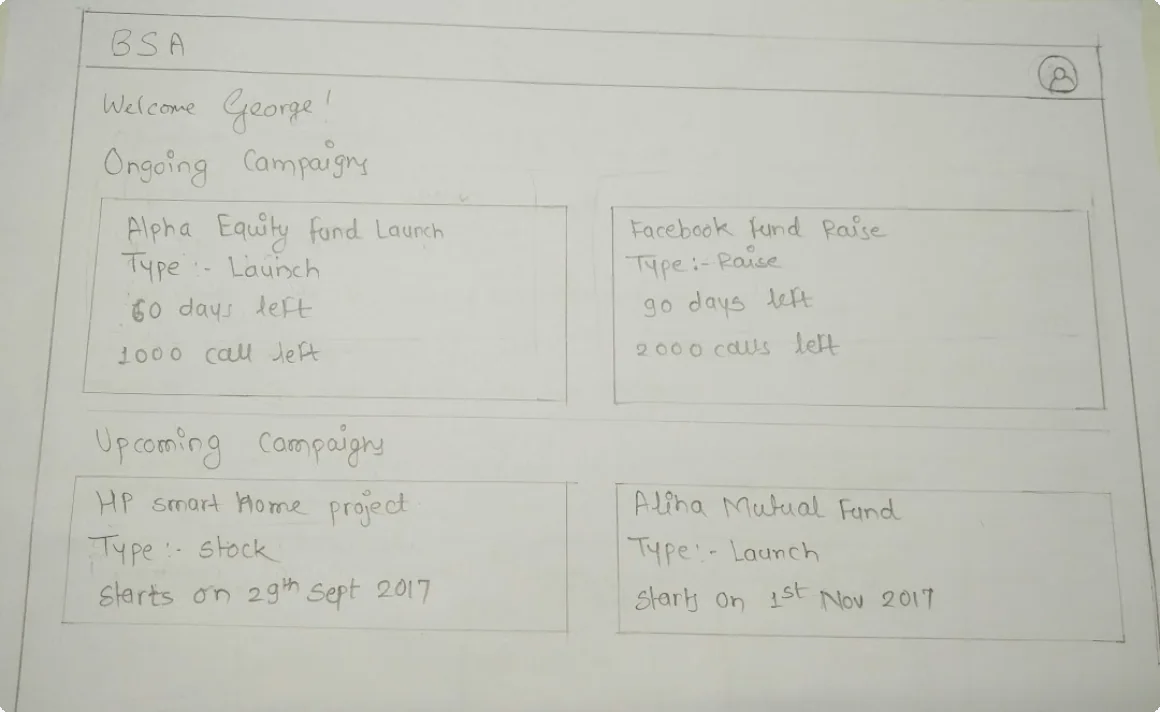
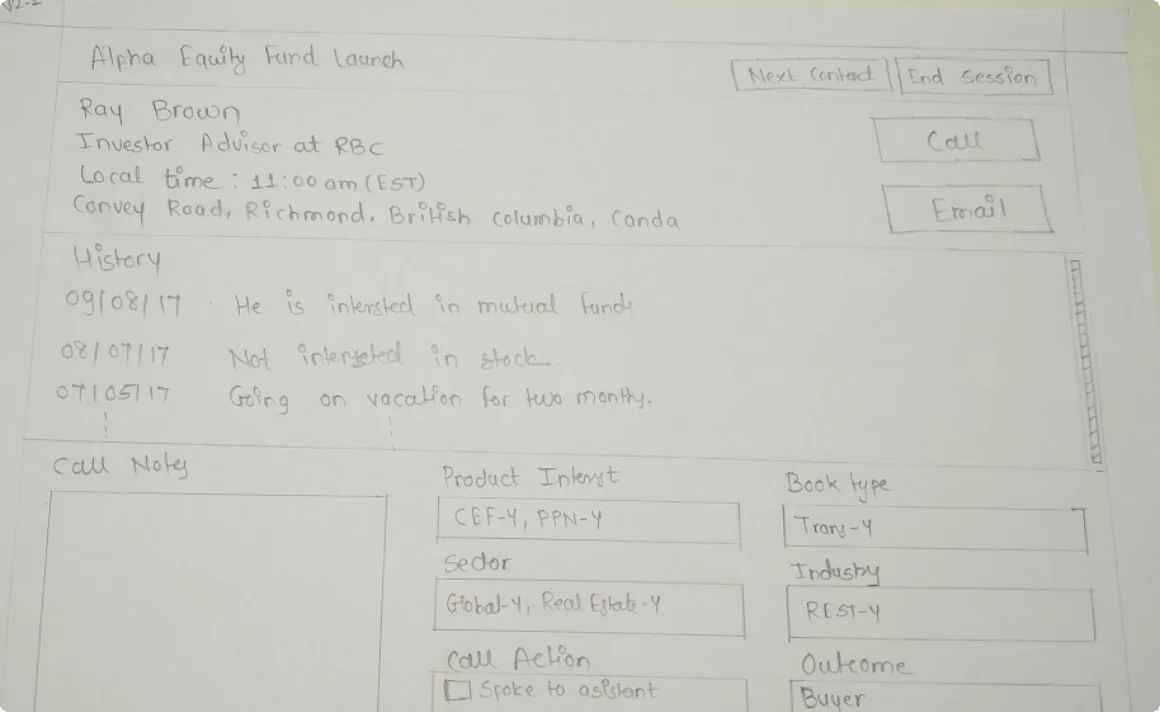
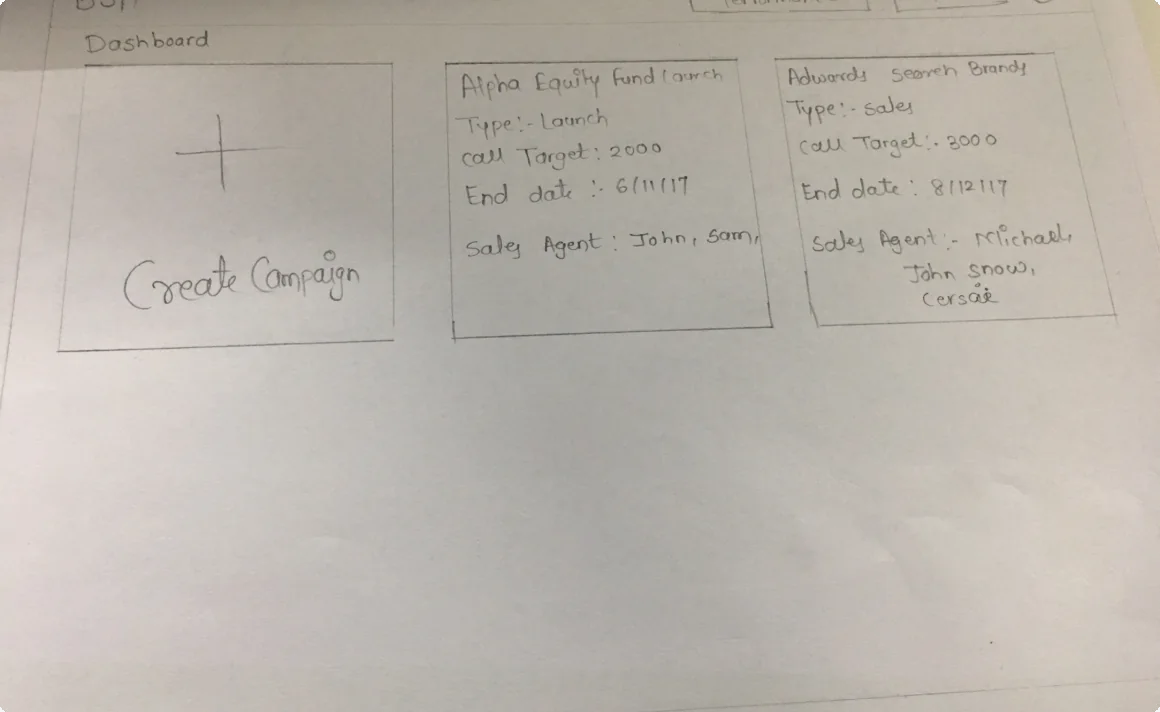
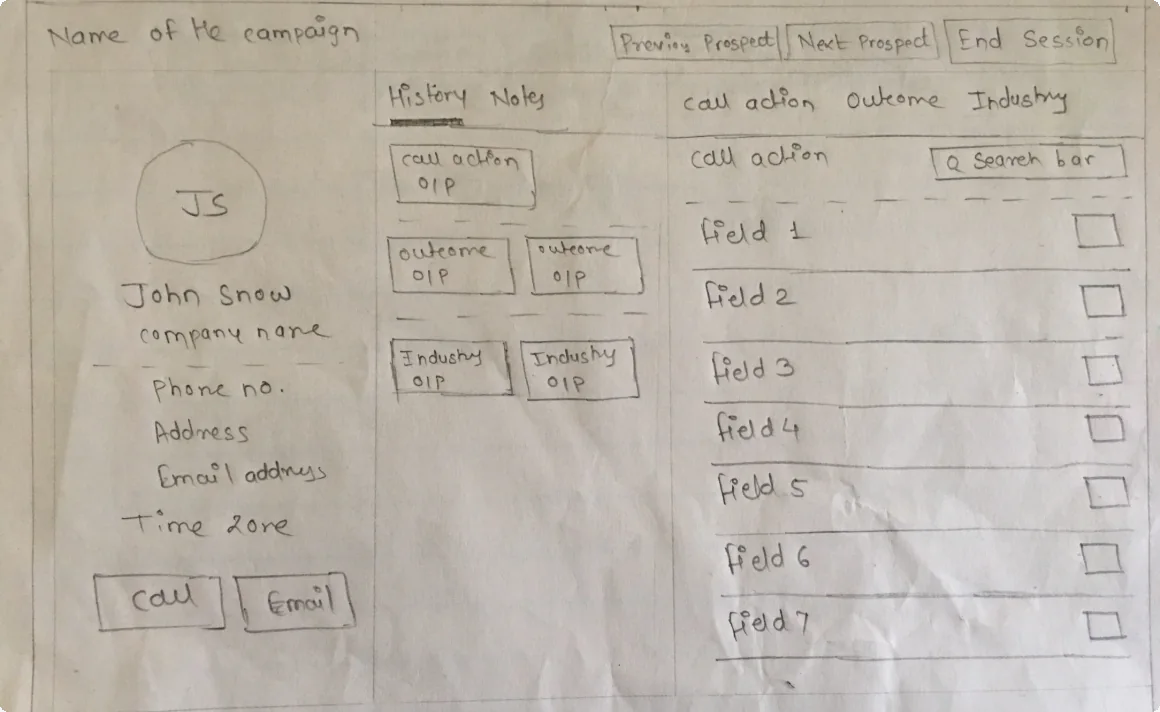
High-fidelity wireframes
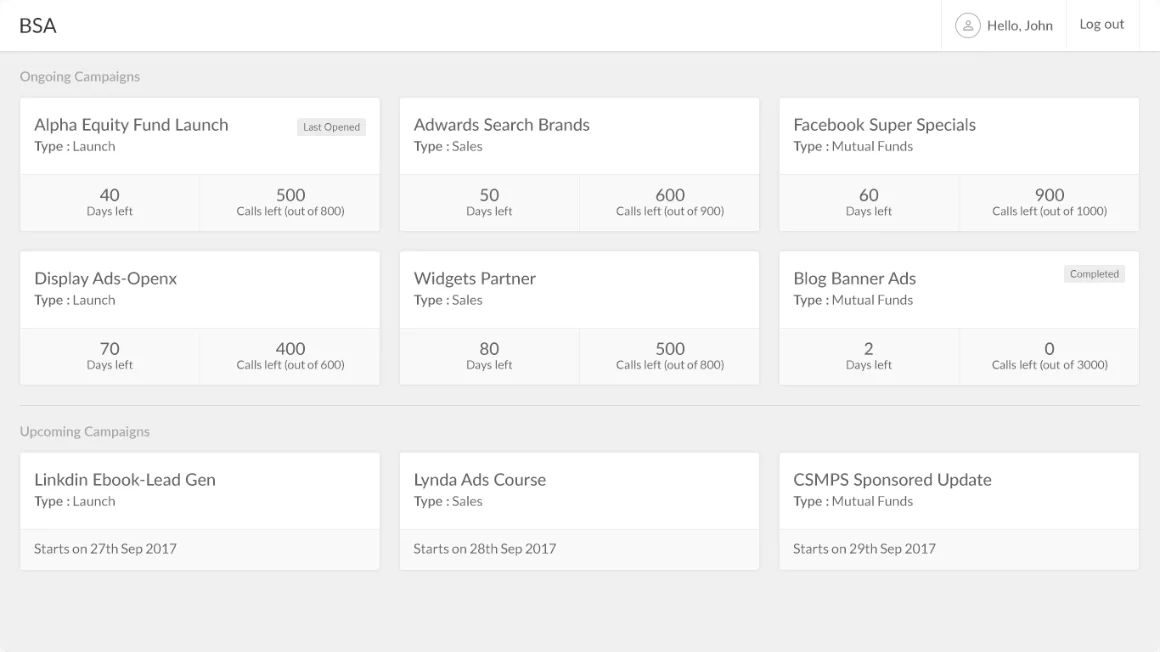
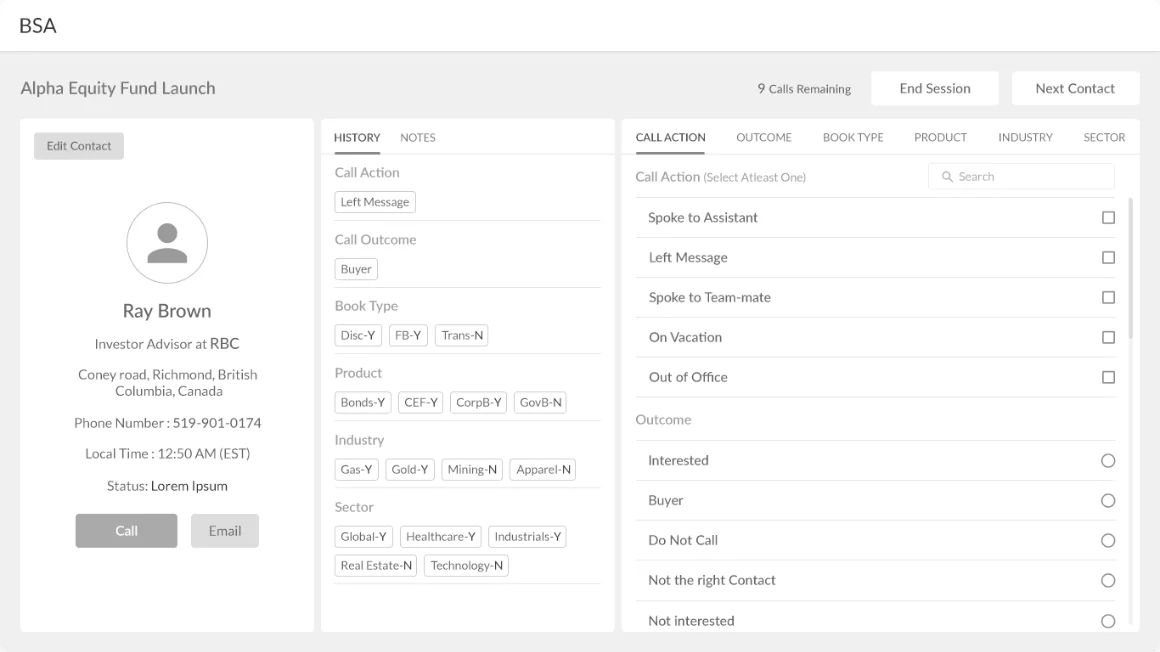
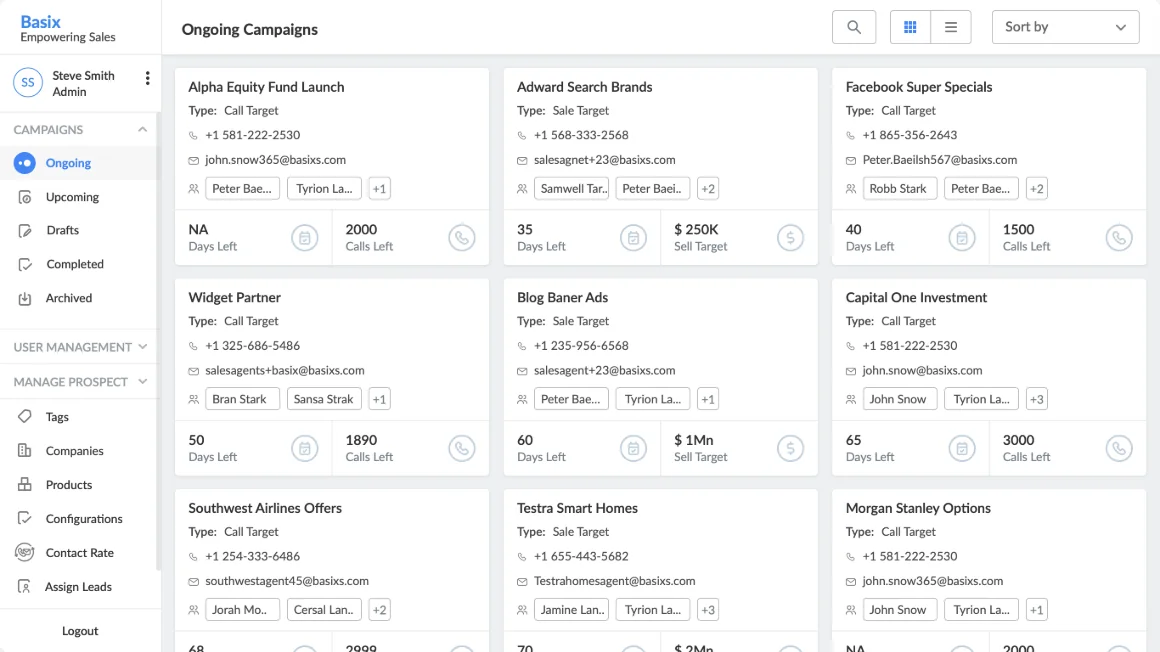
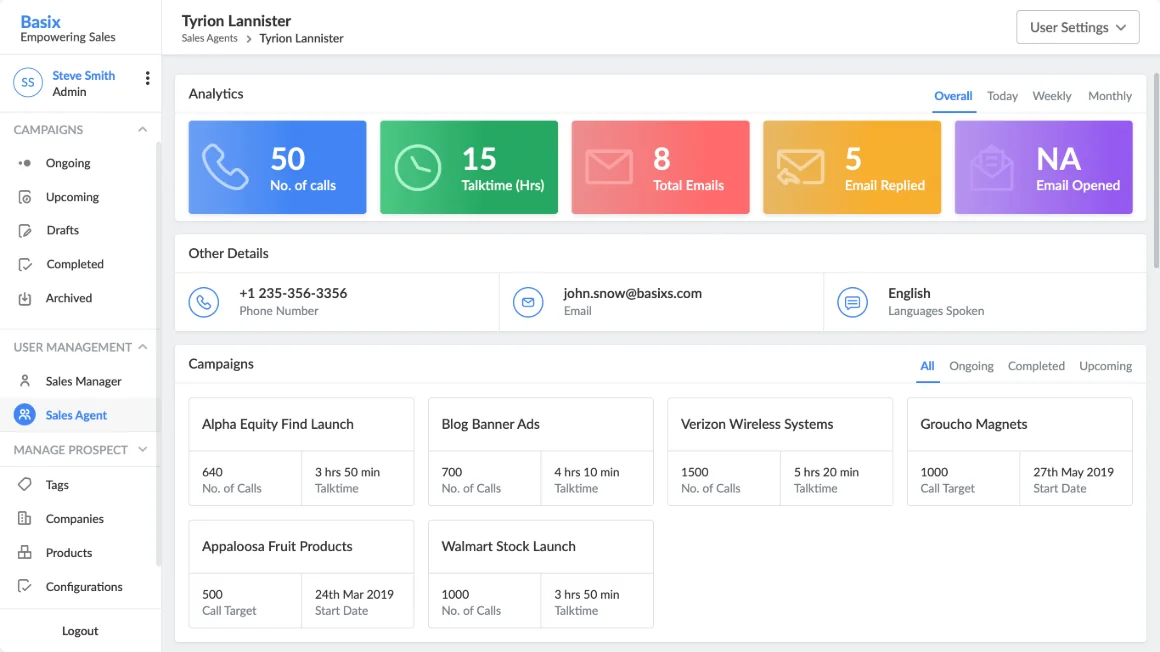
Visual design · Sales agent
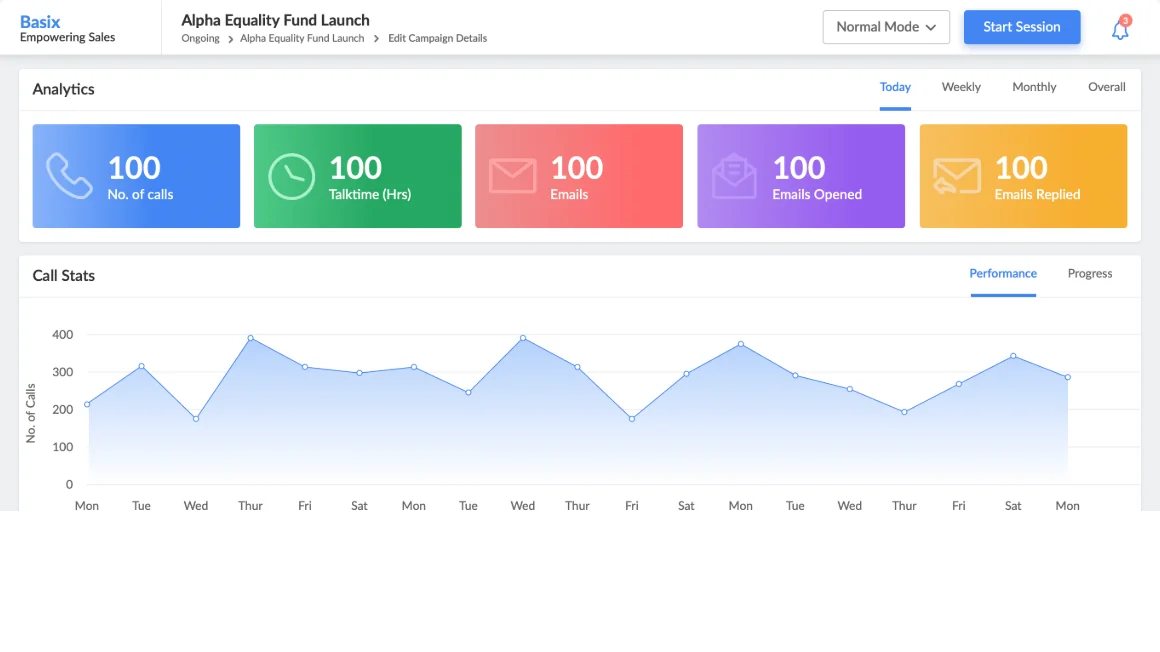
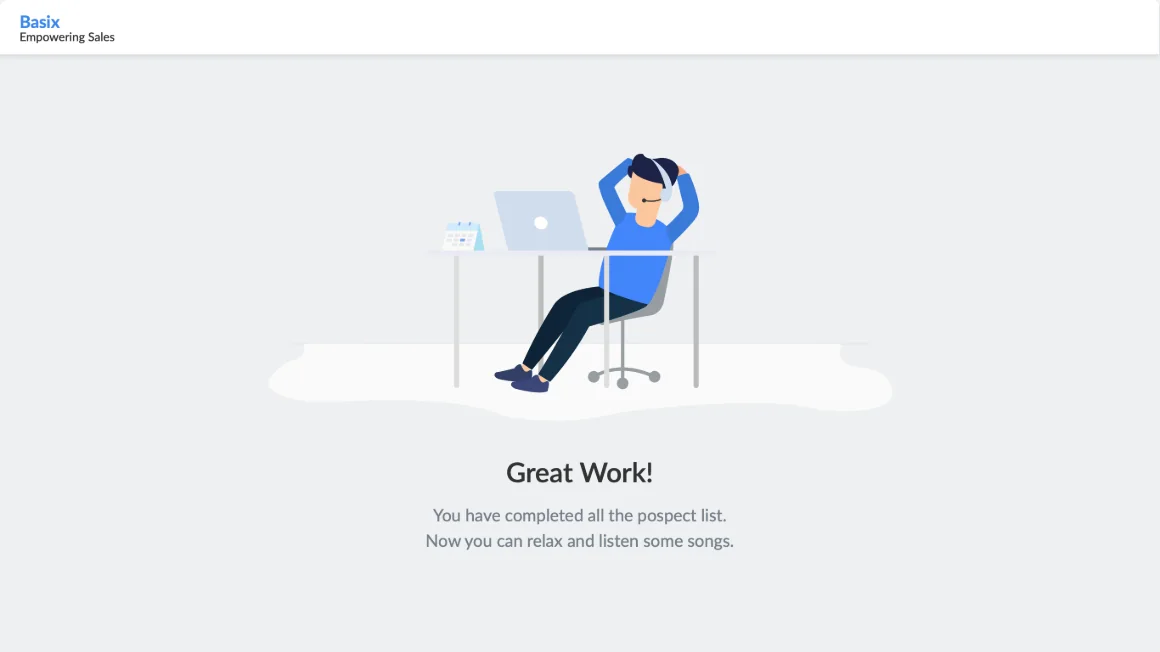
Campaigns, analytics and the call screen
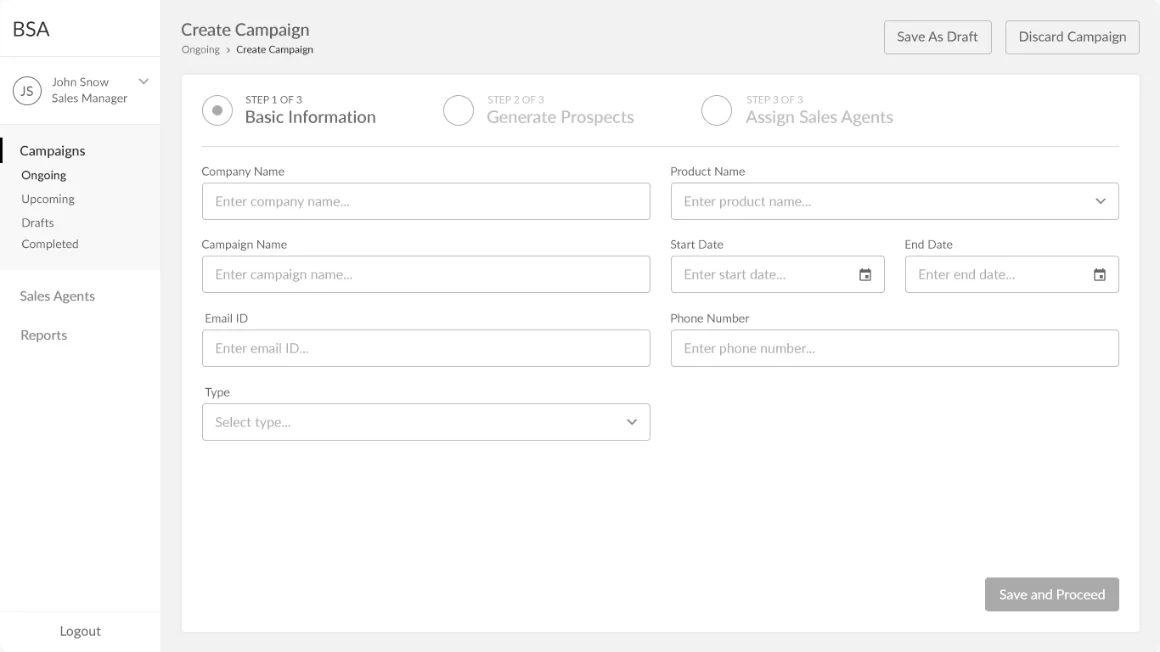
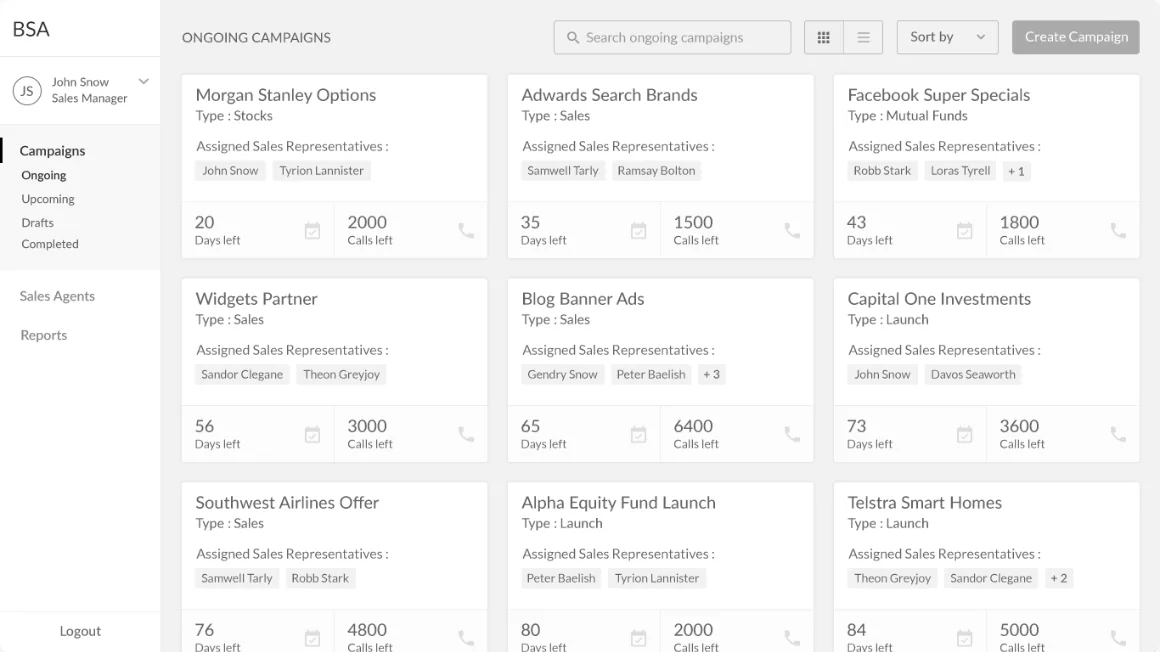
Visual design · Sales manager
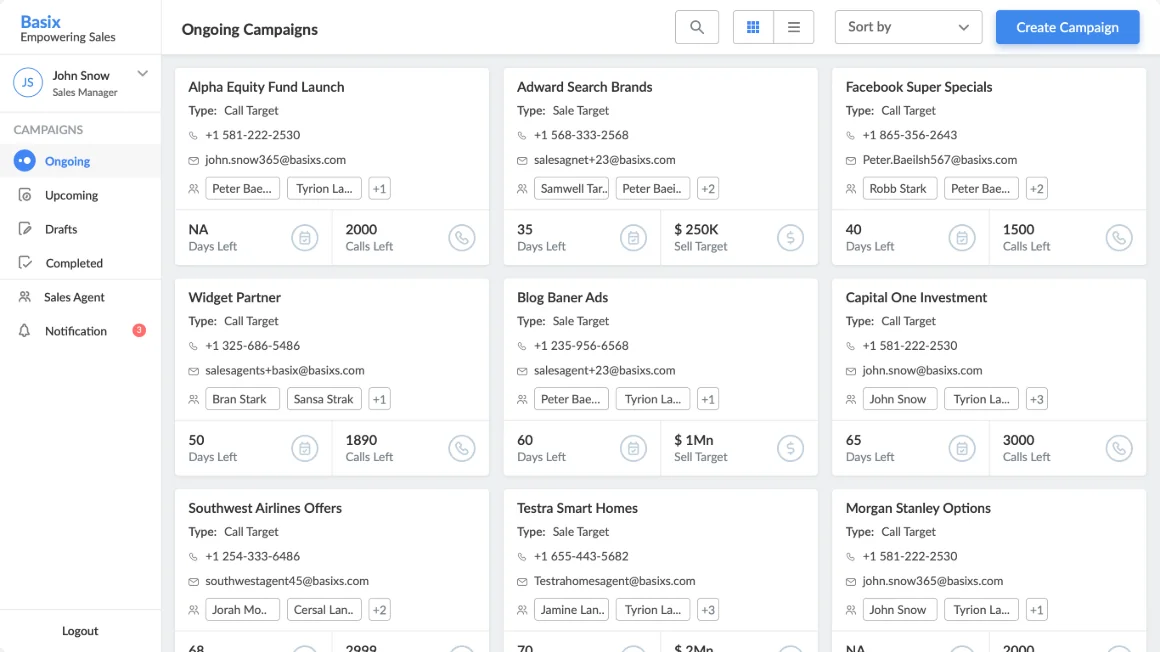
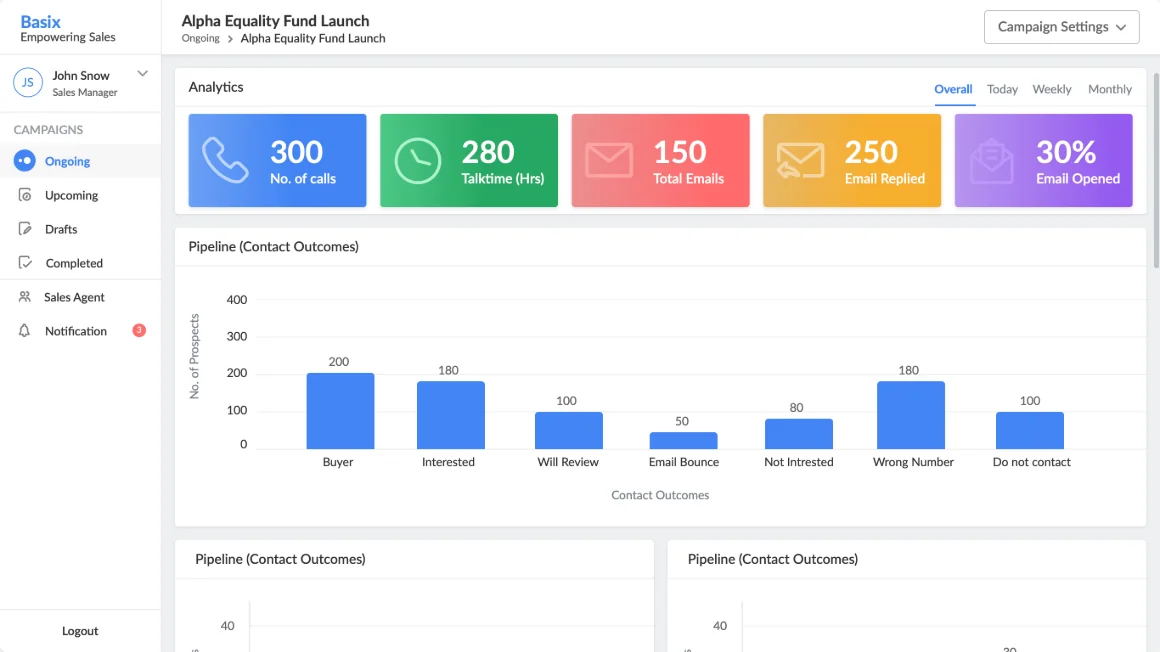
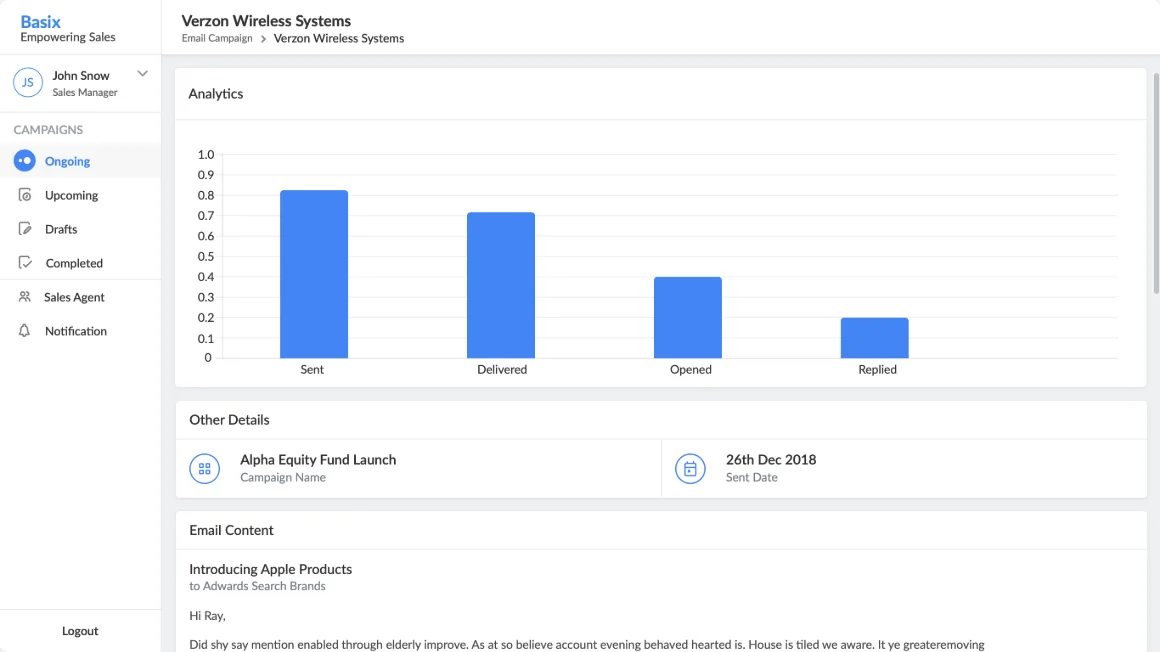
Running campaigns and teams
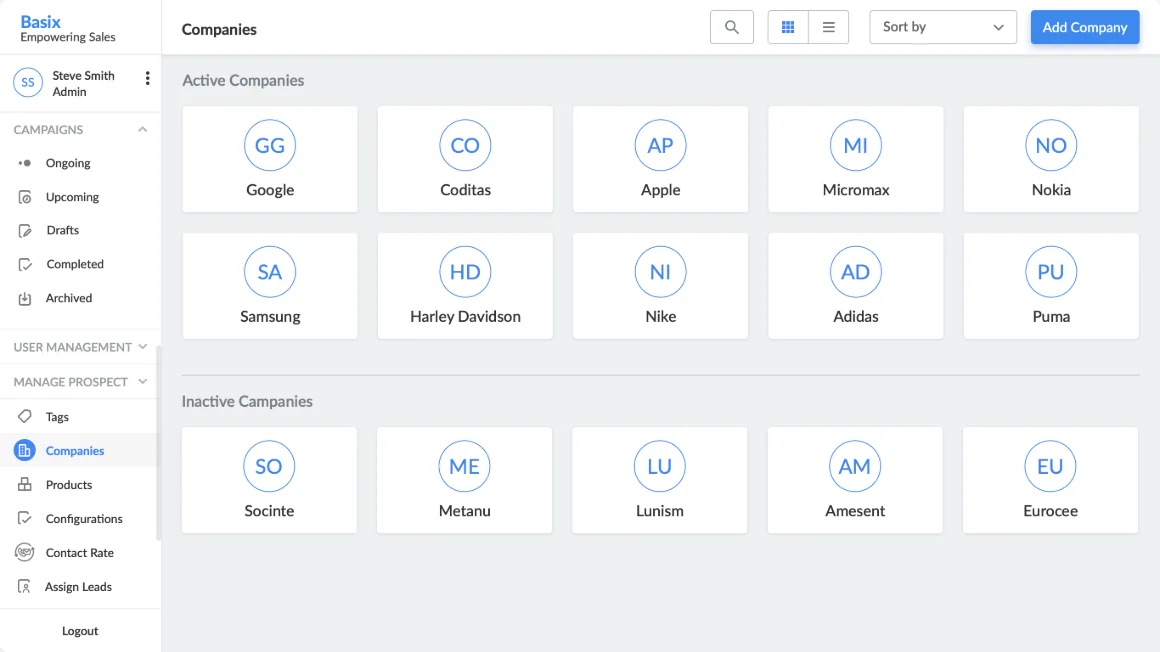
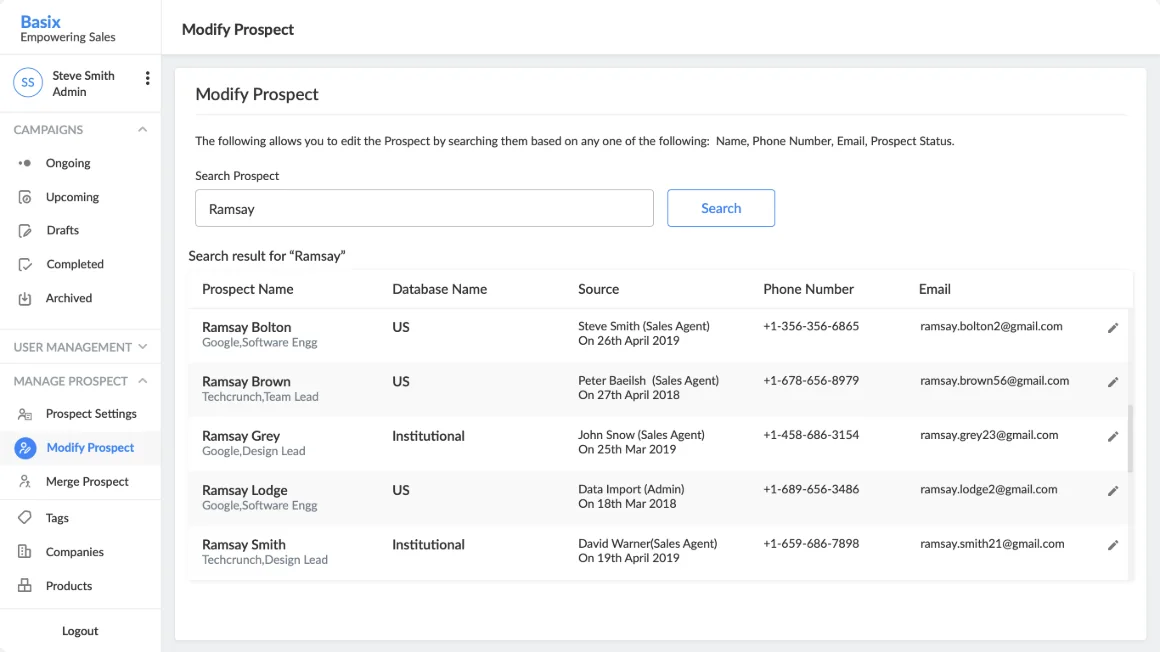
Visual design · Sales admin
People, companies and prospects
UI elements
Icons, illustrations and the hand-off to developers
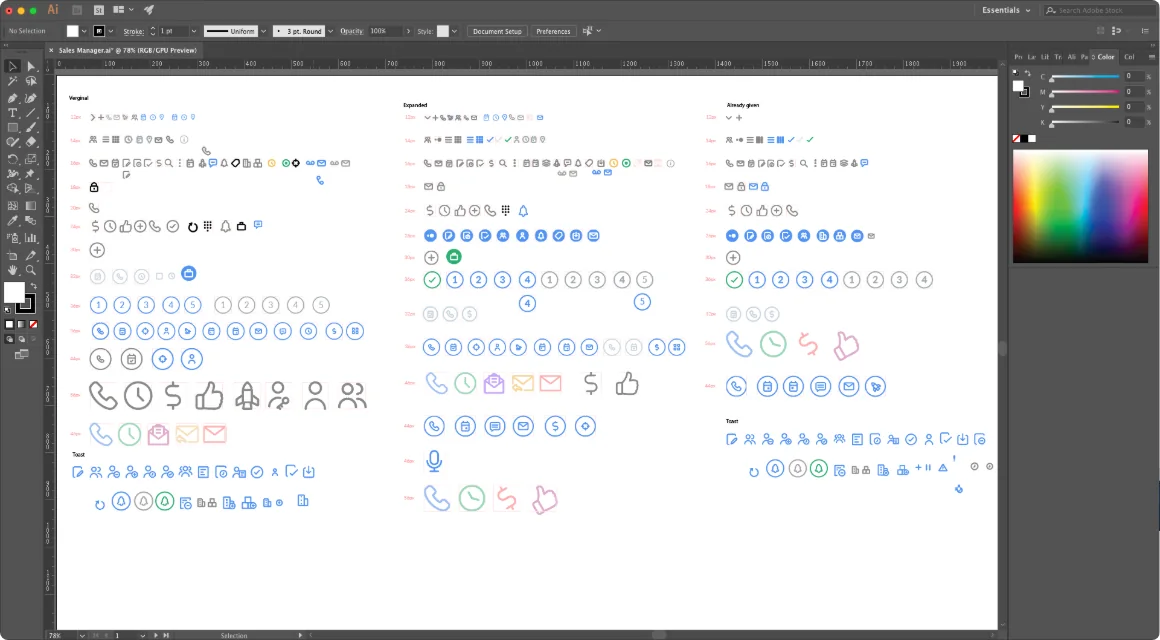
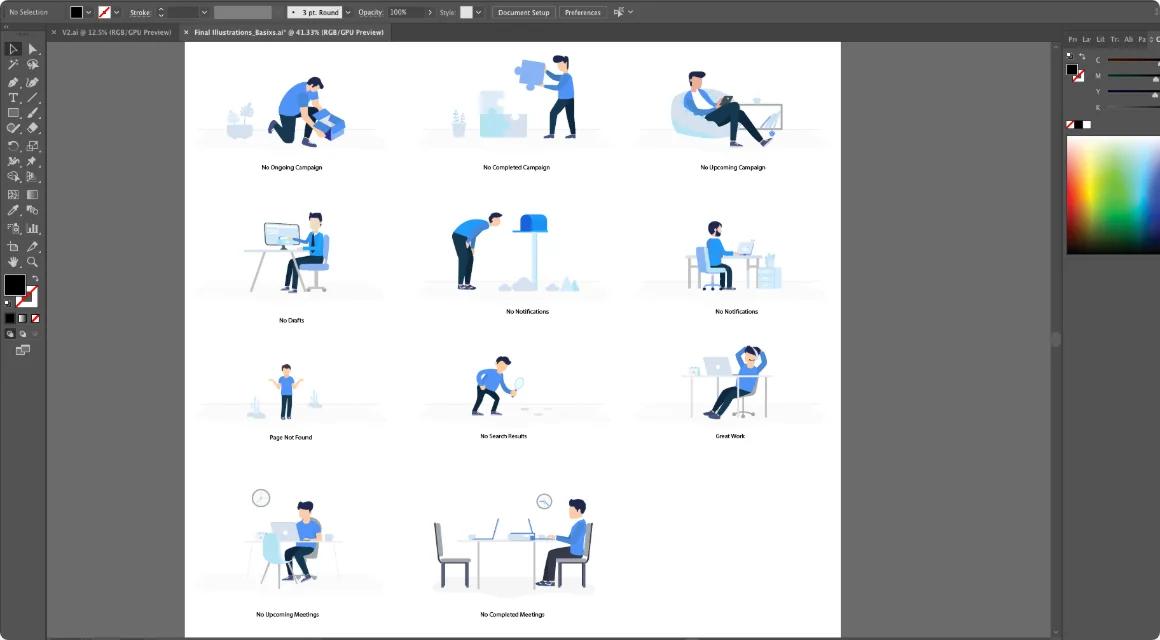
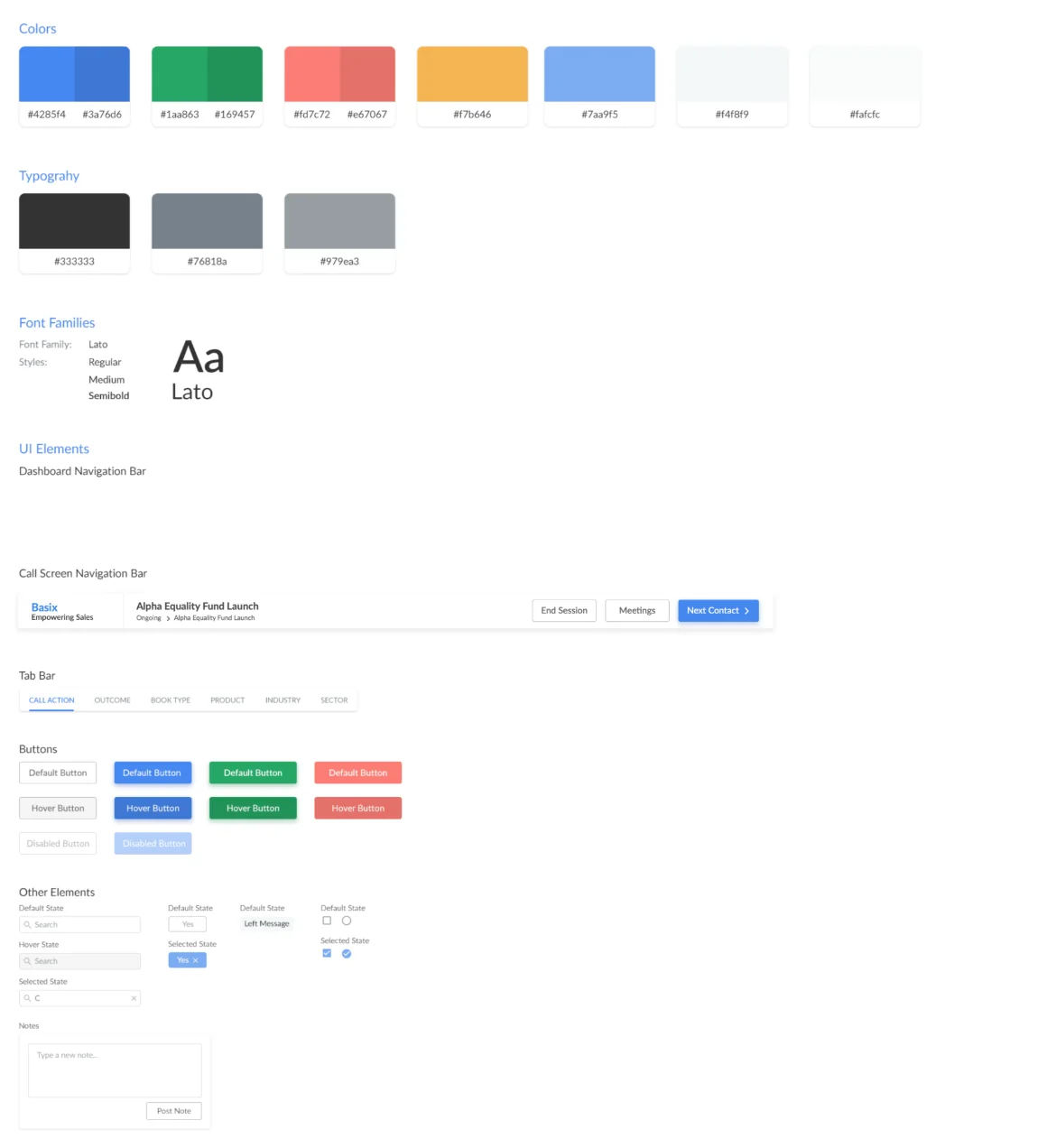
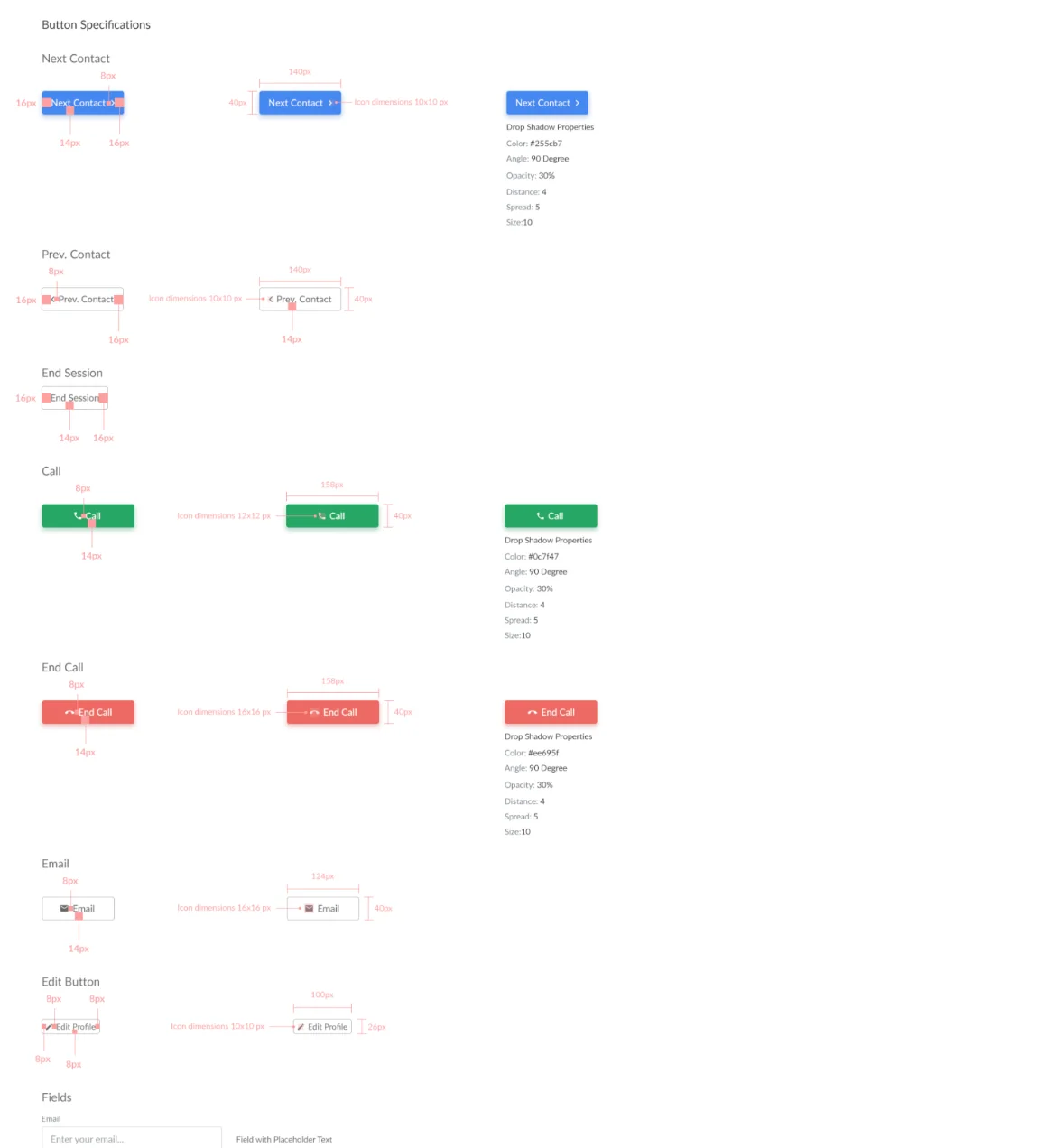
What we designed, and what got built
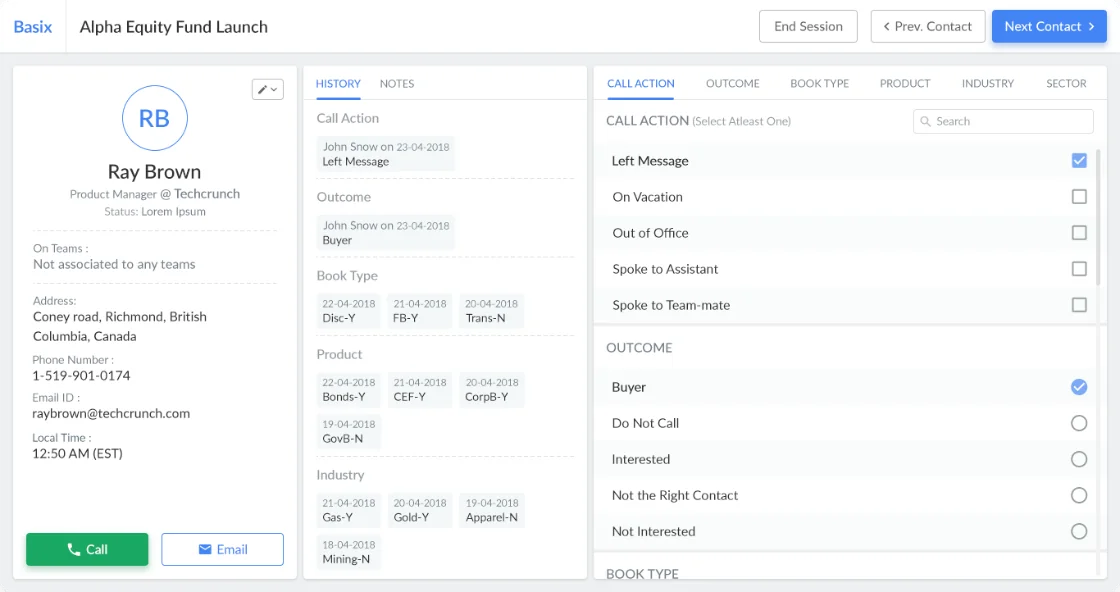
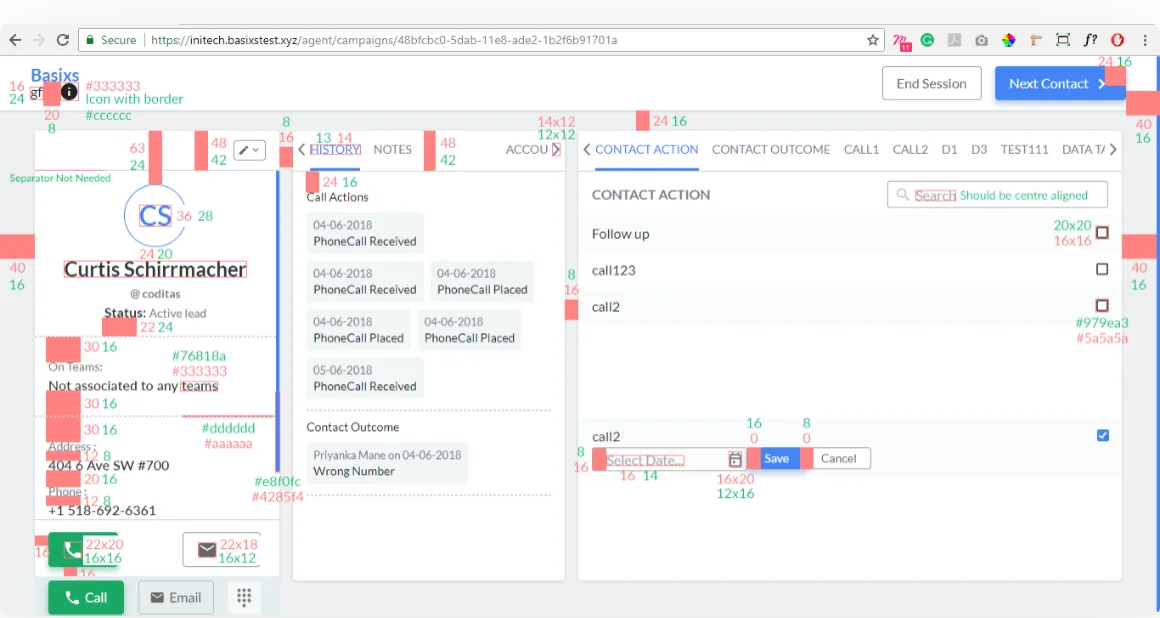
We gave the developers a style guide and a component library, which took us 3–4 days to prepare. When we reviewed the build on staging, it was far from the specs, so we cross-checked every screen against them.
A week of usability testing reshaped the campaign flow
Users worked with the product extensively for a week, and their feedback made the system more solid.
What users told us
- They were surprised to land straight on the calling screen.
- Relying on the smart engine for follow-ups meant fewer follow-ups.
- There was no data about campaign details.
- The system lagged.
- They couldn’t add a new prospect.
- They couldn’t merge a new number with an older one.
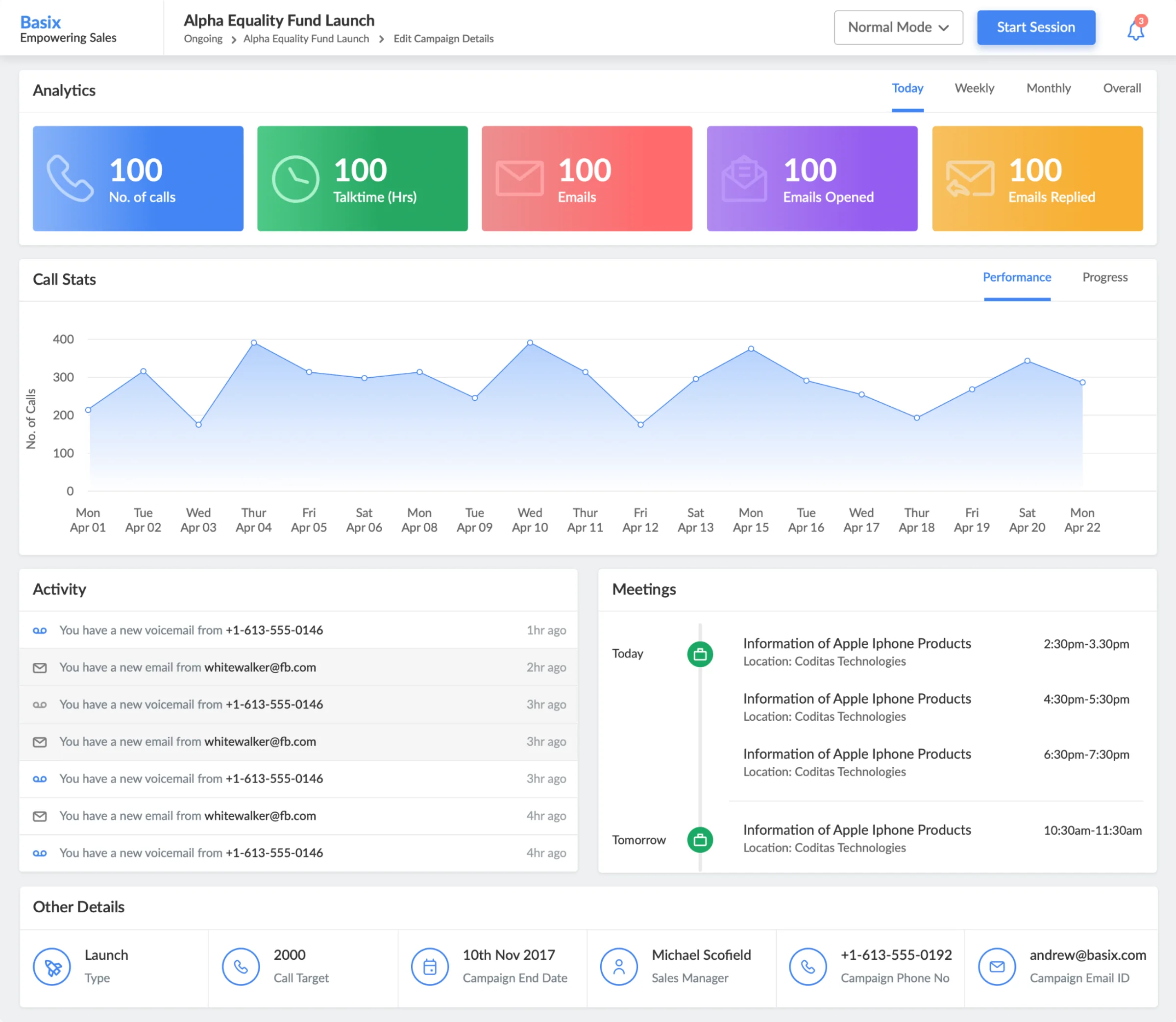
We added a campaign detail screen, which resolved around 70% of the issues raised.Smaller changes to other flows covered the rest.
What changed after launch
Weekly report generation went from 4 hours to a single click.Reported after launch; they describe the product as a whole.
What customers said